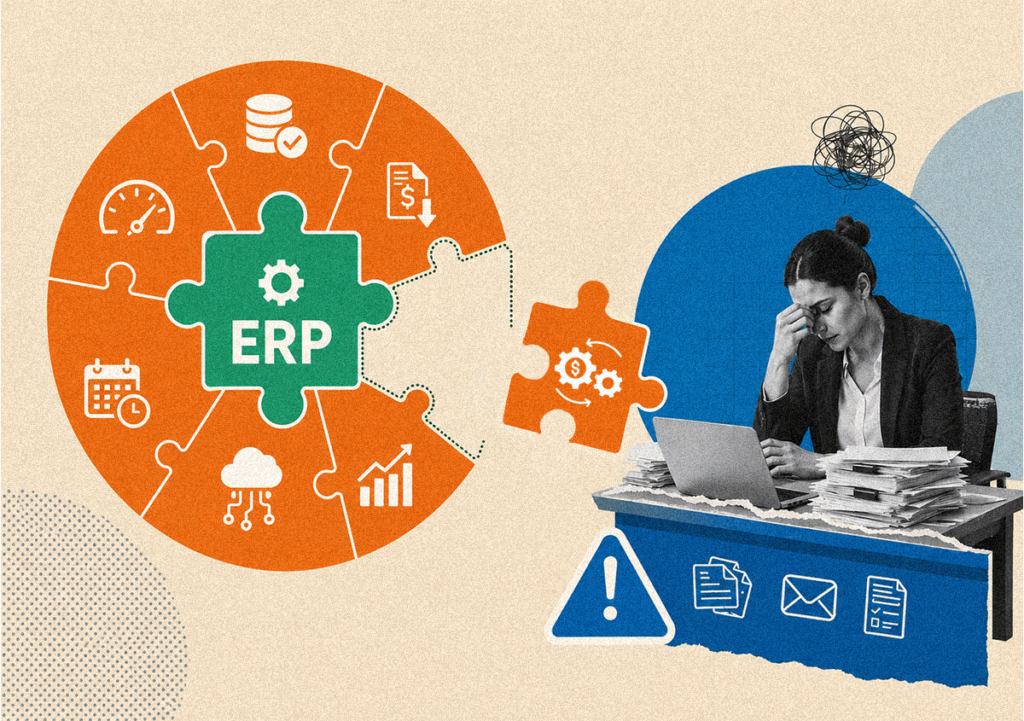
Ask any accounts payable professional what the most frustrating part of their job is, and manual data entry will almost always make the top three. Keying invoice numbers, vendor names, line-item descriptions, and dollar amounts, over and over, hundreds or thousands of times a month. This is not why skilled finance professionals joined their teams. And it’s not what their employers are paying them to do.
But beyond the frustration, manual data entry in AP carries real financial consequences.
According to a study by the Institute of Finance and Management (IOFM), human error in manual invoice processing occurs in approximately 3.6% of all invoices, and each error costs an average of $53 to identify and correct.
At scale, that’s a high and entirely avoidable cost.
The solution is accounts payable automation, a technology-driven approach that eliminates manual data entry from invoice processing almost entirely. Here’s how it works, and what to look for when evaluating your options.
Understanding the Root Causes of Manual AP Data Entry
Before automating, it’s worth understanding what you’re actually trying to eliminate. Manual data entry in accounts payable typically occurs at several points in the invoice lifecycle.
The first is invoice capture. Receiving an invoice by email or post and manually keying its details into the accounting system or ERP. The second is PO matching. Manually looking up the corresponding purchase order, comparing line items and amounts, and documenting any discrepancies. The third is general ledger coding. Manually assigning the correct GL account, cost center, and project code to each invoice. The fourth is itemizing receipts and expense invoices when processing employee expense claims alongside vendor invoices. The fifth is payment preparation. Manually assembling payment batches, verifying vendor banking details, and scheduling disbursements.
AP automation software can eliminate or dramatically reduce manual effort at every stage.
How AP Automation Eliminates Manual Data Entry
Intelligent Invoice Capture with Invoice Technology
The entry point for accounts payable automation is intelligent invoice capture. Modern invoice technology uses a combination of optical character recognition (OCR) and artificial intelligence to extract structured data from invoices in any format, like scanned PDFs, email attachments, EDI transmissions, or supplier portal submissions.
Unlike legacy OCR systems that require a fixed template for each supplier layout, AI-powered invoice technology learns and adapts across different invoice structures, achieving extraction accuracy rates that can exceed 99% in mature implementations. Vendor names, invoice numbers, dates, line items, amounts, tax codes, and payment terms are all captured automatically. No typing required.
The impact is immediate.
According to Aberdeen Group research, companies that implement intelligent invoice capture reduce their invoice processing costs by an average of 62% in the first year.
Automated PO Matching and GL Coding
Once invoice data is captured, automated accounts payable systems perform matching automatically. Two-way matching compares the invoice against the purchase order. Three-way matching adds the goods receipt note. Four-way matching incorporates inspection records. Discrepancies are flagged as exceptions and routed for human review, but invoices that match cleanly flow straight through without anyone touching them.
GL coding, which is the process of assigning the correct accounting codes to each invoice line, is similarly automated. The system learns from historical coding patterns, vendor relationships, and invoice content to suggest or auto-assign GL codes. Finance teams review and override when needed, but the default is automation, not manual entry.
Streamlined Receipt and Expense Invoice Processing
For AP teams that handle both vendor invoices and employee expense reimbursements, itemizing receipts has traditionally been a particularly tedious manual task. An expense management platform that integrates with the AP automation system allows employees to submit receipts digitally by photo, email, or mobile app, with data extracted automatically.
The AP team never needs to manually key receipt details. They see validated, policy-checked expense data that’s already in the correct format for processing and payment. This integration between the expense management platform and the core AP workflow is where significant hidden efficiency gains live.
Dynamic Approval Workflows
One of the biggest sources of delay and inefficiency in accounts payable is the approval process – invoices sitting in email inboxes, waiting for a manager who is traveling, or getting lost in a chain of forwarded messages. AP automation software replaces this with electronic, rules-based approval workflows.
Invoices are automatically routed to the correct approver based on vendor, amount, cost center, or invoice type. Approvers receive notifications on desktop or mobile and can approve, reject, or query individual line items, not just the whole invoice. Escalation rules ensure that invoices don’t stall if someone is unavailable. Every action is logged with a timestamp, creating a complete audit trail.
The Business Case for Automated Accounts Payable
The ROI of accounts payable automation solutions is well-documented and relatively fast to realize. IOFM benchmark data shows that top-performing AP organizations, those with mature automation, process invoices at a cost of $1.42 each, compared to $6.39 for average organizations using predominantly manual processes.
The savings come from multiple directions. Fewer FTEs needed for data entry, reduced error correction costs, faster cycle times that enable early payment discount capture, reduced late payment penalties, and lower audit costs from better documentation.
For a mid-market company processing 3,000 invoices per month, moving from manual to automated accounts payable can represent annual savings of $170,000 or more in processing costs alone, before accounting for discount capture and fraud reduction.
What to Look for in AP Automation Software
Not all accounts payable automation solutions are created equal. When evaluating platforms, look for:
- AI-powered invoice capture that doesn’t require per-supplier templates
- Support for all invoice types (PO, non-PO, service, milestone)
- Two-, three-, and four-way PO matching
- Configurable multi-level approval workflows
- Seamless ERP integration (SAP, Oracle, NetSuite, and others)
- Built-in tax compliance, including use tax and VAT management
- A vendor portal for self-service invoice submission
- Real-time reporting and analytics
- Comprehensive security compliance (SOC2, PCI-DSS)
InvoiceAnywhere® checks all of these boxes, using its Smart Autonomous Touchless Technology to deliver 100% accurate invoice data capture, intelligent PO matching, dynamic approval workflows, and seamless ERP integration, in a single platform that covers the complete procure-to-pay cycle.
FAQs
AP automation is the use of AI, OCR, and workflow technology to capture, validate, match, approve, and process supplier invoices without manual data entry. It replaces human keying of invoice data with intelligent extraction and replaces email-based approvals with automated electronic workflows.
Accounts payable automation software is a technology platform that automates the complete invoice processing lifecycle from receipt and data capture through PO matching, GL coding, approval routing, and payment preparation. Leading AP automation software integrates with ERP systems and provides real-time analytics on invoice status and payment obligations.
Modern AI-powered invoice technology uses machine learning to extract data from invoices in any format like PDFs, scanned images, EDI files, or supplier portal submissions, without requiring supplier-specific templates. The system learns and improves over time, achieving extraction accuracy rates that typically exceed 99% in mature implementations.
The best accounts payable automation solutions for mid-market businesses offer end-to-end invoice automation without the implementation complexity of enterprise systems. Key requirements include AI-powered capture, configurable workflows, pre-built ERP integrations, and comprehensive analytics, all on a cloud-based platform that can scale with business growth.
An integrated expense management platform connects to AP automation by feeding validated employee expense data like receipts, mileage claims, per diem calculations directly into the AP workflow in a format ready for processing. This eliminates the manual work of itemizing receipts and re-keying expense data, creating a seamless flow from employee submission to payment.