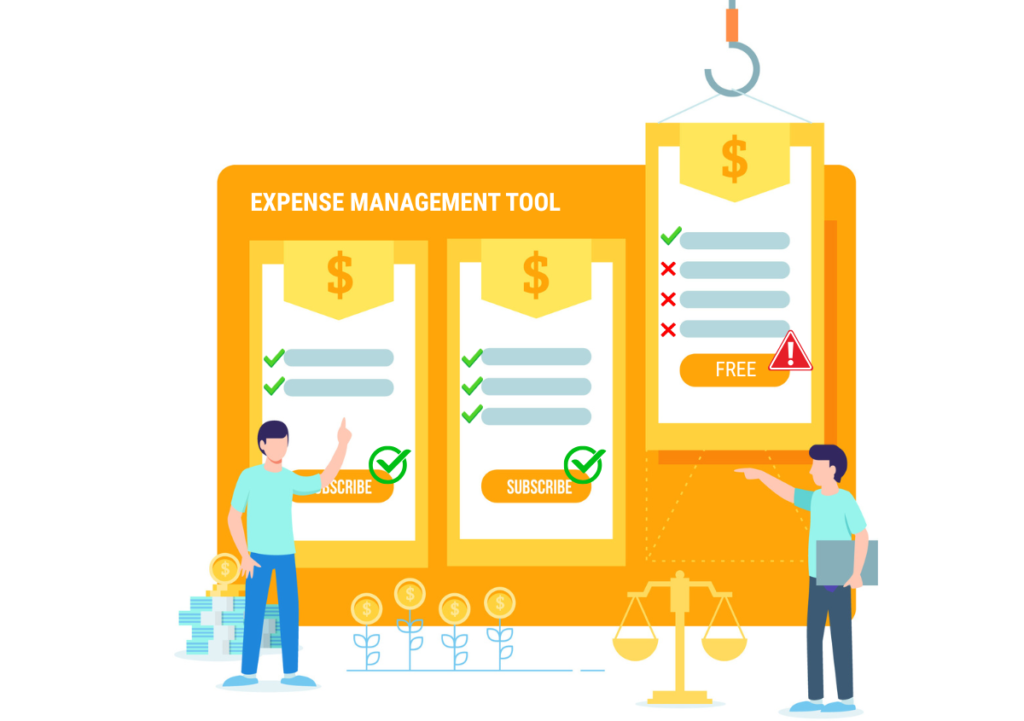
Free vs. Paid Expense Management Tools: What SMBs Actually Give Up
Contents
- 1. What Free Expense Management Software Actually Covers
- 2. The Five Capabilities SMBs Give Up with Free Expense Management Tools
- 3. When Free Expense Management Tools Are Actually the Right Choice
- 4. The Real Cost Calculation: Free vs. Paid for Small & Medium Businesses
- 5. FAQs
- 6. Share:
- 7. Recent Post
- 8. Touchless T&E vs. Traditional Expense Software: The Shift to Autonomous Expense Reporting
- 9. Why Finance Transformation Projects Fail at the AP Department, Not the ERP
- 10. Employee-Friendly Expense Policies Are a Control Failure Wearing a Nicer Outfit
The case for free expense management software is obvious: you are a small or mid-size business, your margins are real, and a software subscription that costs thousands of dollars a year is a line item that needs to justify itself. If a free tool can handle expense tracking, why pay?
It is a fair question, and the honest answer is not “free tools are useless.” Some of them are genuinely solid for specific, limited use cases. The more precise answer is that free expense management tools handle the easy part of expense management well and create invisible costs around the hard parts that show up as finance team time, audit exposure, and compliance gaps. This guide maps exactly where those trade-offs land.
What Free Expense Management Software Actually Covers
Most free tiers of expense management tools offer a recognizable set of features, like receipt photo capture, very basic expense categorization, minimal approval workflows for small teams, and maybe some form of PDF or CSV export. For a five-person company where the owner reviews three expense reports per month, this is genuinely sufficient. The software for expense management at this level is doing what it needs to do.
The inflection point where free tools start generating hidden costs is generally around 20-25 employees, when expense volume increases to the point where manual steps compound, or when compliance requirements escalate to the point where “good enough” documentation is no longer defensible.
The Five Capabilities SMBs Give Up with Free Expense Management Tools
1. Automated Policy Enforcement
This is the most consequential gap between free and paid expense management systems. Free tools let employees submit expenses. Paid expense management software validates each expense against your company’s specific policy rules at the moment of submission, like per diem caps, approved categories, receipt thresholds, and hotel rate limits by city.
Without automated policy enforcement, a human reviewer has to catch every violation manually. In practice, they don’t. According to the ACFE Occupational Fraud 2024 report, organizations with automated anti-fraud controls experience median fraud losses 49-52% lower than those without. The gap between free and paid expense management tools on this dimension is the difference between compliance that depends on reviewer vigilance and compliance that is enforced by the system.
2. ERP Integration
Every paid expense management software platform at the mid-market tier offers integration with accounting and ERP systems, like QuickBooks, NetSuite, Xero, Sage Intacct, SAP, and Microsoft Dynamics. This integration means expense data flows directly into the general ledger with correct account coding, without manual re-entry.
Free expense management tools typically offer CSV or PDF export at best. The person who takes that export and re-enters the data into the accounting system is your finance team, and the time they spend doing it is the hidden price of free. For a 30-person company with 200 expense transactions per month, manual data entry into accounting software routinely consumes 6-8 hours of finance staff time per month. At a loaded rate of $50/hour, that is $3,600-$4,800 per year in labor cost, often more than a paid expense management software subscription.
3. Corporate Card Reconciliation
If your employees use corporate cards, like Amex, Visa, or Mastercard for business expenses, the reconciliation of card transaction data against expense reports is where manual processes break down most visibly. Paid expense management systems ingest daily card transaction files automatically, match them to submitted receipts, and flag discrepancies. Free tools do not.
The result with free expense management tools and corporate cards is a monthly reconciliation exercise that someone does manually, like matching statements to receipts, identifying unsubmitted expenses, and chasing employees for documentation. This is the kind of work that makes good finance staff leave.
Read How AI-Powered T&E Automation Fixes Corporate Card Reconciliation
4. Audit Trail and Compliance Documentation
As SMBs grow, the compliance documentation requirements around expense management grow with them. SOX compliance for companies approaching public markets requires a documented, system-generated audit trail for every expense transaction. Government contractor work requires DCAA-compliant documentation. Even standard commercial audit requirements expect more than a folder of PDFs.
Paid expense reporting software creates a complete, timestamped audit trail for every transaction, like who submitted it, when, what was approved, by whom, and when. Free expense management tools produce records, but not the kind of structured, searchable, system-generated audit trail that satisfies rigorous compliance review. The cost of discovering this gap during an audit is typically much higher than the cost of the subscription that would have prevented it.
5. AI-Powered Data Extraction and Duplicate Detection
Free expense management tools vary significantly in OCR accuracy, i.e., the quality with which they extract vendor name, date, amount, and category from receipt images. Many free tiers use basic OCR that requires manual correction of 10-20% of entries. Paid expense management software uses AI-trained models that achieve accuracy rates above 97% on standard receipt formats, with automatic duplicate detection that catches the same receipt submitted twice across different reporting periods.
The review time that finance staff spends correcting OCR errors and checking for duplicate submissions in free tools is, again, time that a paid platform eliminates.
When Free Expense Management Tools Are Actually the Right Choice
Free tools make genuine sense in three scenarios: your business has fewer than 10 employees with low or negligible travel volume; your compliance requirements are minimal and unlikely to change in the near term; or you are evaluating whether expense management software is worth investing in at all, and you want to establish a baseline before committing to a subscription.
Free tools also make sense as a temporary bridge while you build the internal business case for paid expense management systems. Running a free tool for three months and documenting the time your finance team spends on manual steps, data re-entry, and policy exception review gives you the before-and-after numbers that justify a paid subscription internally.
The Real Cost Calculation: Free vs. Paid for Small & Medium Businesses
Before writing off paid expense management software as too expensive, run this calculation. Take your current monthly expense transaction volume and multiply by the average time your finance team spends per transaction on data entry, policy checking, and ERP reconciliation. Multiply by your finance staff’s loaded hourly rate. Compare that to the annual cost of a paid subscription.
For most SMBs with more than 20 employees and regular business travel, paid expense management software pays for itself within six months in recovered finance staff time alone, before accounting for the policy compliance improvement, the audit trail quality, and the reduction in expense fraud that automated controls deliver. The best small business accounting software and expense management integrations do not add cost; they reduce the total cost of the finance operation.
ExpenseAnywhere® Express is designed precisely for this SMB transition point: a full-featured expense management platform with the corporate card integration, policy automation, and accounting software connectivity that growing businesses need, at a cost structure that reflects SMB scale rather than enterprise pricing.
FAQs
Free expense management software typically includes basic receipt capture via mobile camera, simple or minimal expense categorization, basic approval workflows for small teams, and export to CSV or PDF. What free tiers almost universally exclude is automated policy enforcement, ERP integration, corporate card reconciliation, AI-powered duplicate detection, and the compliance-grade audit trails that growing businesses require.
The practical trigger for most SMBs is a combination of factors rather than a single employee count: when expense volume reaches 100+ transactions per month, when corporate card reconciliation becomes a recurring manual burden, when an audit or compliance review reveals gaps in your expense documentation, or when your finance team is spending more than three to four hours per week on expense-related manual work.
The hidden costs of free expense management systems are almost entirely labor costs: finance staff time spent on manual data entry into accounting software (free tools rarely offer native ERP integration), manual policy review of every expense report, manual corporate card statement reconciliation, manual duplicate checking, and the cost of correcting OCR errors that paid tools eliminate with AI-powered extraction.
Paid expense reporting software creates a system-generated, timestamped audit trail for every transaction that free tools cannot replicate. It enforces policy rules automatically at submission rather than relying on manual reviewer vigilance. For SMBs approaching SOX compliance requirements, government contracting work, or any audit environment requiring structured documentation, the compliance gap between free and paid tools is material.
Some paid expense management software platforms offer free tiers with meaningful capability but the feature restrictions at the free tier almost always exclude the capabilities that matter most for growing businesses, like policy automation, ERP integration, and corporate card feeds. The free tier is worth using while building the business case for a paid subscription; it is rarely a sustainable operating platform for an SMB with more than 15-20 employees and regular business travel.
Share:
Recent Post


Know about the latest happenings in the fintech automation.
Click below to subscribe to our newsletter!
-
Near-Touchless
Operation - One-Click Fully Audited Reports
-
Seamless ERP & TMC
Integrations
-
Automated 2/3/4-Way PO
Matching - Effortless Vendor Onboarding
-
Globally-Accepted Smart
Prepaid Cards